Publishing guide
The generated skill explains deploy commands, URL shape, access tiers, controls, and page organization.
Quickpage for agent workflows
Install the Quickpage CLI, run quickpage init, and give your coding agent a local skill with publishing rules, collection APIs, style guidance, access tiers, and controls.
quickpage init
Without project-specific guidance, agents improvise. Quickpage reduces that uncertainty by installing a focused skill directly into the workspace.
The generated skill explains deploy commands, URL shape, access tiers, controls, and page organization.
Agents can read live style-profile guidance before creating a DAC-styled page or choosing a bespoke design.
The skill includes examples for page-scoped records, small shared state, and realtime subscriptions.
Installed locally
Run quickpage init to create .claude/skills/quickpage/SKILL.md. That file becomes the agent's operating guide for Quickpage publishing.
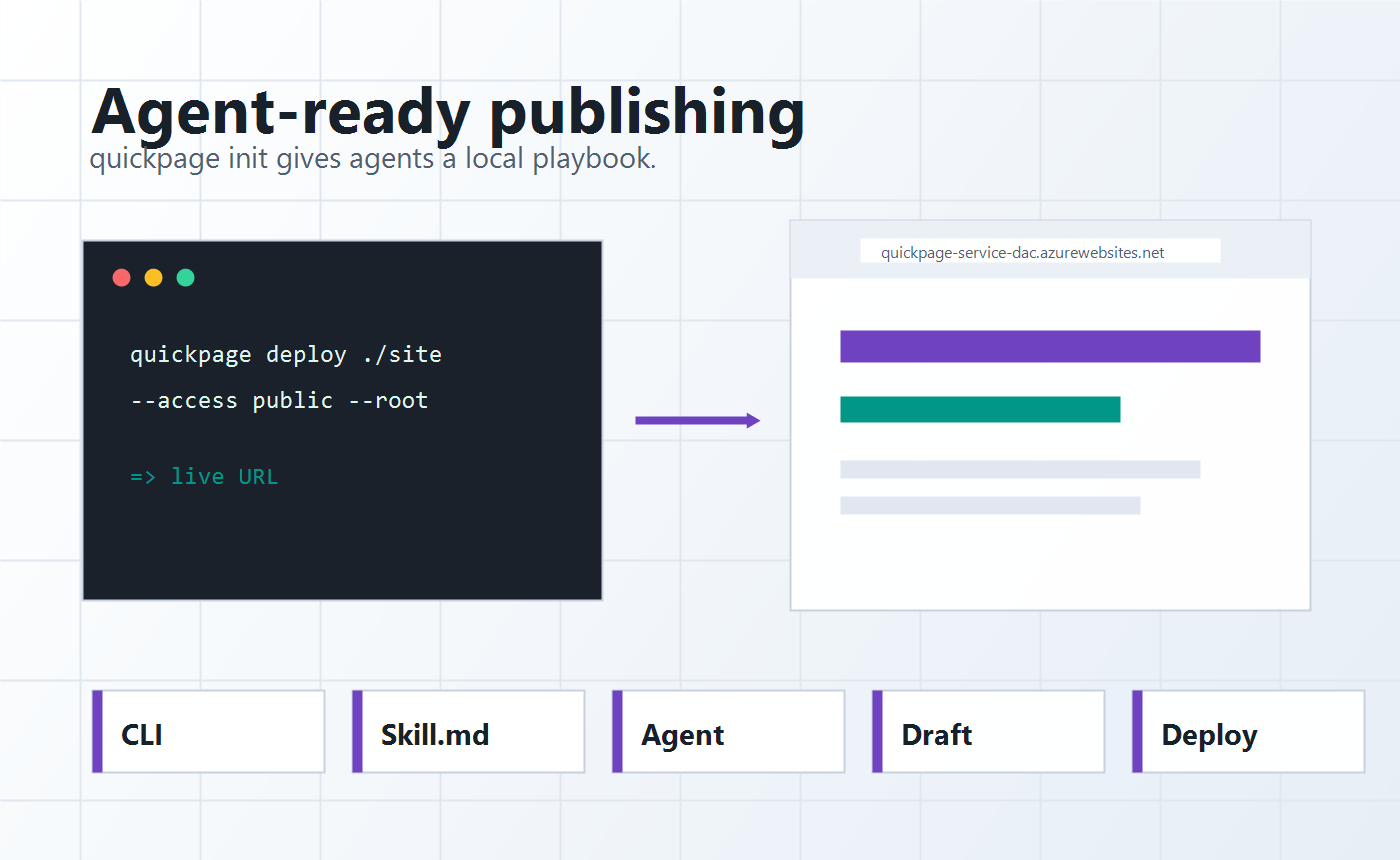
A marketer can brief the campaign. A developer can install the workflow. An agent can draft, revise, and prepare the page using the same Quickpage rules every time.
quickpage login once for browser DAC sign-in.quickpage init in the workspace.quickpage deploy.# 1. Install the Quickpage CLI
# Windows:
powershell -NoProfile -ExecutionPolicy Bypass -Command "irm https://quickpageclidac.blob.core.windows.net/cli/latest/install.ps1 | iex"
# macOS / Linux:
curl -fsSL https://quickpageclidac.blob.core.windows.net/cli/latest/install.sh | sh
# 2. Sign in once with your DAC account (stores your token and user slug)
quickpage login
# 3. Generate the agent skill into the workspace
quickpage init
# 4. Publish the page folder
quickpage deploy ./campaign quickpage-agents "Quickpage Agent Workflows" --access public --root