Any static project
Publish a single HTML file, a Markdown document, or an entire folder with CSS, images, and scripts.
DAC Quickpage Service
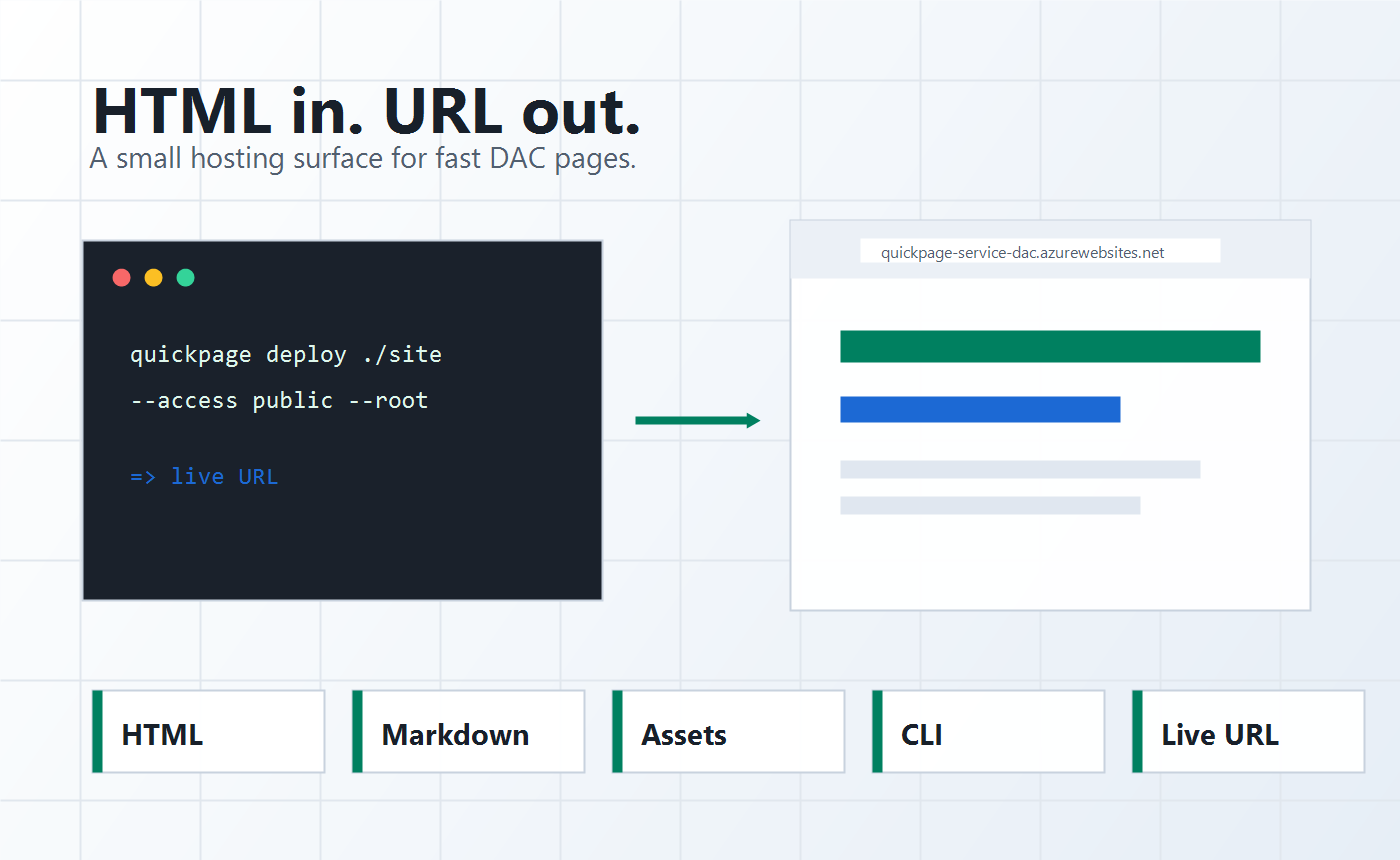
Quickpage lets DAC teams and agents ship HTML, Markdown, and static folders to a hosted URL without creating a new app, build pipeline, or CMS entry.
quickpage deploy ./site quickpage-launch "Quickpage" --access public --root
Use it for demos, campaign drafts, prototypes, internal tools, reports, and agent-generated pages that need to be real links now.
Publish a single HTML file, a Markdown document, or an entire folder with CSS, images, and scripts.
Quickpage skips deployment ceremony and returns a hosted URL immediately.
Generated reports, launch pages, and prototypes can move from workspace output to shareable link.
How it works
Build the page locally, send it through the CLI, and share the resulting Quickpage URL with the team or public audience.
This launch page links to four deeper capability pages covering speed, agent workflows, realtime collections, and governed publishing.