Collect lightweight input
Use collections for ideas, RSVPs, questions, votes, launch checklists, and feedback walls.
Quickpage Collections
Most campaign pages only display information. Quickpage Collections let them collect it, remember it, and update it live for every visitor.
<script src="/_quickpage/quickpage.js"></script>
Each Quickpage can have its own page-scoped collections backed by PocketBase. Add records, list what has already been shared, and subscribe to changes as they happen.
Use collections for ideas, RSVPs, questions, votes, launch checklists, and feedback walls.
When one visitor adds something, everyone else can see the page change without refreshing.
The data belongs to the page, so small tools do not need a separate backend project or database setup.
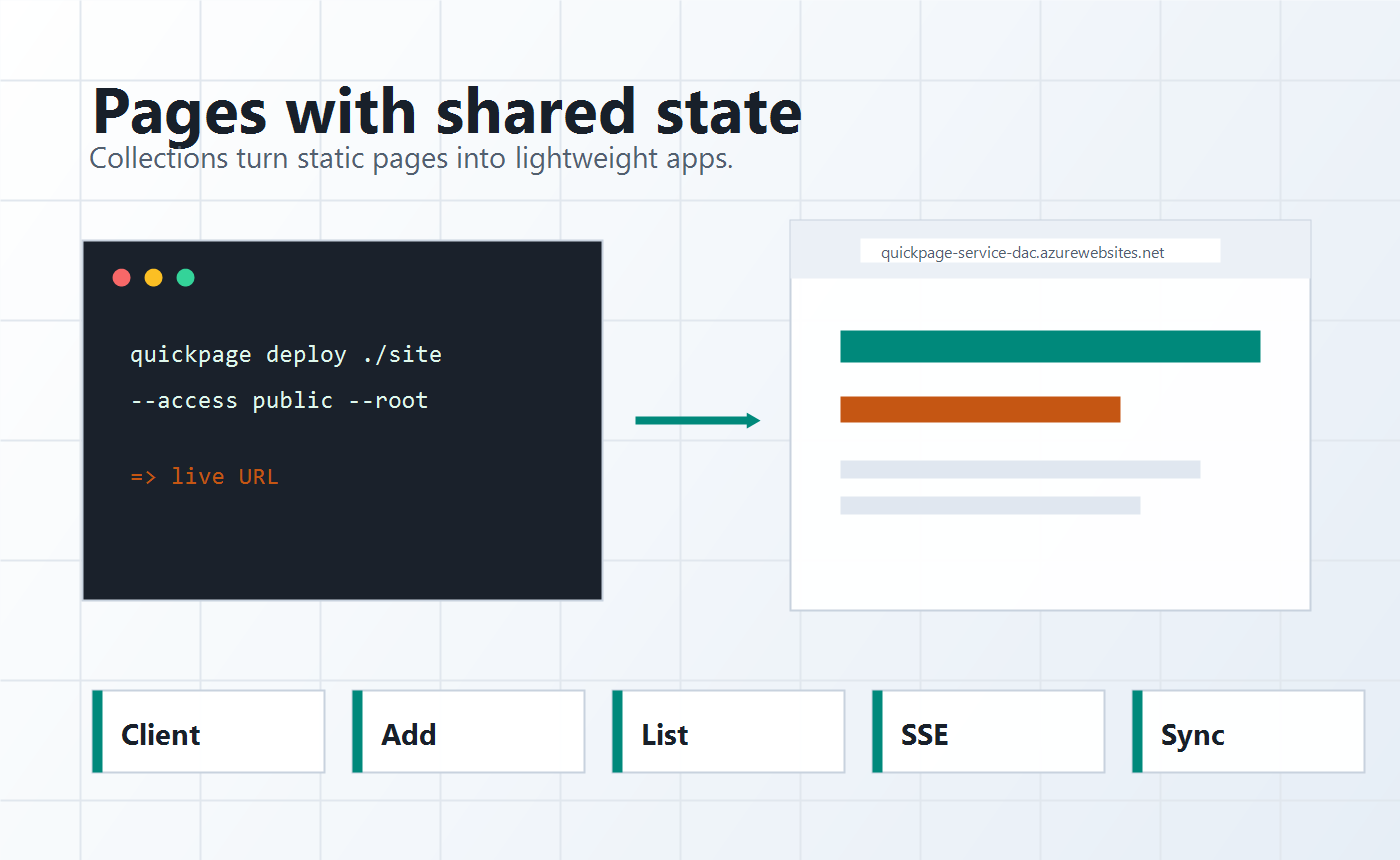
Live page patterns
Use the served Quickpage client to add records, list page data, and subscribe to live changes with a few lines of JavaScript.
The browser client keeps the page code small. Publisher-token operations can still use the REST API or CLI when a page needs admin updates.
<script src="/_quickpage/quickpage.js"></script>
<script>
  const ideas = qp.collection('ideas');

  async function addIdea(text) {
    await ideas.add({ text, createdAt: new Date().toISOString() });
  }

  async function renderIdeas() {
    const result = await ideas.list();
    const records = Array.isArray(result) ? result : result.records;
    document.querySelector('#ideas').innerHTML = records
      .map((idea) => `<li>${idea.text}</li>`)
      .join('');
  }

  ideas.subscribe(() => renderIdeas());
  renderIdeas();
</script>No separate backend project for every small page. Include the Quickpage client, choose a collection name, and start working with records directly from page JavaScript.